
My
Lesson Plans
This lesson plan was created based
as a simple method to teach computer animation to students. The
process uses Microsoft PowerPoint which is a program available in most
schools. By making slight adjustments on each slide
progression, movement and animation can be acheived through this
program. The lesson shown below suggests that students take on
the theme of their daily lives in an animation project. After
keeping a journal of one day in their lives, students will turn one of
these daily experiences into an animated project. While this
particular lesson was created for the middle school level, it could
easily be modified to fit the elementary and high school levels.
This is an interesting approach to computer graphics and can produce
some interesting results!
Under this lesson, you will find links to other interesting lesson plans!
Media/Area: Power Point/ Computer Graphics
Grade: 7/8th grade
Time: 3 class periods
Overview/ Rationale: Animation uses a process that is specific and unique to this form of art making. In most cases students have a limited understanding of how animation is created and how this process can be put into action. This lesson will teach students how to use the technological aspects of Microsoft Power Point to create an animation. Students will create a Power Point animation that showcases a particular scene from their daily lives. This lesson will show students that art can be created through the use of multimedia resources.
Objectives: Students will…
• Keep a journal that records their activities for one full day (this should include detailed descriptions of each task that they perform throughout the day).
• Choose one part of their daily activities that they will portray in the form of an animation.
• Create a Power Point presentation that includes at least 30 slides to illustrate their chosen activity.
• Include 3 or more objects within their presentation.
• Create a title for their work and an opening title page that includes their name as well.
• Present their Power Point presentation to the class and explain why they chose to depict their particular scene.
List of Vocabulary:
Microsoft Power Point- A computer program that uses a series of slides to showcase information
Animation- Giving movement to a thing
Multimedia- software and applications that combine text, high quality sound, graphics, and animation or video
Computer Graphics- Pictures made with the assistance of computers
Complex Shapes- The combination of simple shapes to create objects
Materials/ tools / technology:
• Computer
• Microsoft Power Point
• Journal/ Sketchbook
Instructional Plan/Procedure:
Day One
Daily Objective: Today we will discuss computer graphics and animation, the computer program Microsoft Power Point, look at examples of animation using this program, and introduce our animation project.
Introduction/Motivation:
• Ask questions- Who has used computers before? Has anyone used computers to create art? If yes, how did you make art on a computer?
• Discuss animation- present history of use of computers to create animated scenes
• Ask question- How do you think computer technology has influenced art and animation?
Procedures:
1) Introduce Microsoft Power Point
a. Talk about slide progression and how an image can change with slight movements
b. Look at and discuss handout on step by step procedures to creating an animation using Power Point
c. Demonstration- 5 slides using power point
i. Ask students for help/feedback along the way (where should I move the hand? What comes next? Etc…)
2) Introduce Assignment
a. Handout assignment sheet with Rubric
b. Discuss procedures/ what will happen over the next two days (in class and outside of class)
c. Homework assignment- Journal
i. Stress the use of detailed descriptions so that they have many ideas to work with
ii. Give an example of own personal journal entry
Conclusion/ Wrap Up
• Ask if anyone has any questions about the assignment.
• Summarize Computer animation/ Power Point
o Ask how students will make their own animations
Day Two
Daily Objective: Today we will review our journal homework assignment, choose the daily episode that we will animate, begin to create our animations using Microsoft Power Point.
Introduction/ Motivation
• Have students take out their journals
• Share/ discuss their recordings with a partner
• Choose the best episode for their animation project
• Ask students what they learned from tracking their daily lives. What was interesting?
Procedures
1) Have students open up Microsoft Power Point
2) Make sure that they have their instruction/ step by step procedures on their desks
a. Review/ go over helpful hints for getting started
b. Ask if anyone has questions/ needs help getting started
3) Have students begin to create their animations (Studio)
a. Praise and help guide students through their projects
b. Make sure that they save frequently (make saving announcements)
c. Have students test their animation along the way (make testing announcements)
Clean Up
• Have students save work to the desktop with their name as the title
• Go to each work station and save student work on one flash drive that the teacher will keep as a back up
Closure/ Wrap Up
• Ask students if they were successful in creating animation
o How did they do this?
o What were some techniques that you used?
o What kind of objects did you include?
o Is this art?
Day Three
Daily Objective: Today we will finish creating our animations and share our work with the class.
Introduction/Motivation
• Review animation/ power point
• What were some of the techniques that we used?
• How are our animations coming along?
Procedures
1) Have students finish working on their animation projects
a. Ask if anyone needs help
b. Saving announcements/ testing announcements
c. Motivate/ encourage students to wrap up projects
2) If students finish early have them review their animation and practice what they are going to share with the class
a. Write a short paragraph reflection about the animation project in their journal/ sketch book
3) Save student work to flash drive
a. Connect the flash drive to main computer screen that will be used for sharing
Closure/ Wrap Up
• Have each student come up and share their presentations (lottery sytem)
• They should each share one thing that they learned about computer animation and one tool that they found most helpful in creating power point animation
• Ask class- Were we able to create art using computer animation? Why is this art?
Evaluation Strategy: Students will be evaluated based on their completion of the objectives. Each student will be responsible for submitting their journal that shows a detailed description of their daily activities for one day. They should also have a brief reflection in the journal about their reaction to the project. Each student will present their power point project and will be evaluated on their incorporation of the identified criteria. They also must share two things that they learned throughout this process. In addition students will be evaluated on their participation and attentiveness during class time. The rubric will be handed out at the onset of the assignment so that students are aware of their responsibilities from the start.
Resources:
http://artsedge.kennedy-center.org
http://www.getty.edu/education/for_teachers/building_lessons/
http://www.csuchico.edu/cgrange/lp.htm
www.artlex.com
Other interesting Lesson Plans:
DRAWING LESSON PLANS
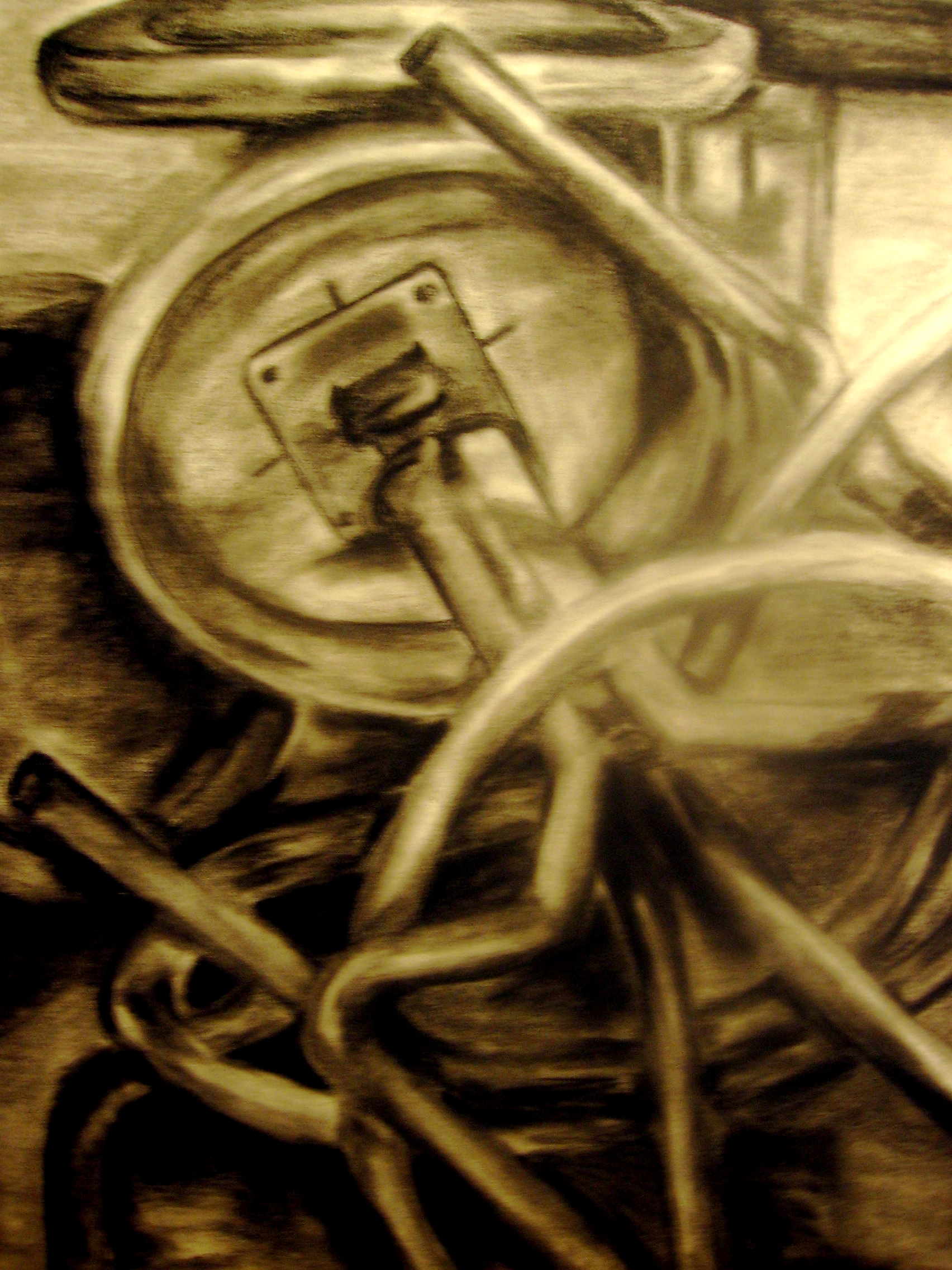
Chair Study, 2004
High School- 3 and 4
point perspective: http://www.portfolioseries.com/edu/resource/cpencil/float.cfm
All Grade Levels- Comic Drawing Lessons:
http://www.teachingcomics.org/resources.php
Elementary- A Unique Drawing Experience
http://www.kinderart.com/drawing/drawex.shtml
PAINTING LESSON PLANS
Elementary- A Blotto Fun
http://www.kinderart.com/painting/blotto.shtml
Middle School- A Tribute to Miro
http://artsedge.kennedy-center.org/content/2005/
High School- Road Map Relief Painting
http://www.princetonol.com/groups/iad/lessons/high/Ken-map.htm
PRINTMAKING LESSON PLANS
High School- Andy Warhol 3-Color Linoleum Prints
http://www.princetonol.com/groups/iad/lessons/high/warholprints.htm
Middle School- Kimono Collagraph Prints
http://www.princetonol.com/groups/iad/lessons/high/ken-kimono.htm
Elementary School- Paper Stencil Silkscreen Printing
http://www.princetonol.com/groups/iad/lessons/elem/Kathy-silk.htm
Under this lesson, you will find links to other interesting lesson plans!
Title of the Lesson: “My
Animated Day”
Theme / Topic: Animation Media/Area: Power Point/ Computer Graphics
Grade: 7/8th grade
Time: 3 class periods
Overview/ Rationale: Animation uses a process that is specific and unique to this form of art making. In most cases students have a limited understanding of how animation is created and how this process can be put into action. This lesson will teach students how to use the technological aspects of Microsoft Power Point to create an animation. Students will create a Power Point animation that showcases a particular scene from their daily lives. This lesson will show students that art can be created through the use of multimedia resources.
Objectives: Students will…
• Keep a journal that records their activities for one full day (this should include detailed descriptions of each task that they perform throughout the day).
• Choose one part of their daily activities that they will portray in the form of an animation.
• Create a Power Point presentation that includes at least 30 slides to illustrate their chosen activity.
• Include 3 or more objects within their presentation.
• Create a title for their work and an opening title page that includes their name as well.
• Present their Power Point presentation to the class and explain why they chose to depict their particular scene.
List of Vocabulary:
Microsoft Power Point- A computer program that uses a series of slides to showcase information
Animation- Giving movement to a thing
Multimedia- software and applications that combine text, high quality sound, graphics, and animation or video
Computer Graphics- Pictures made with the assistance of computers
Complex Shapes- The combination of simple shapes to create objects
Materials/ tools / technology:
• Computer
• Microsoft Power Point
• Journal/ Sketchbook
Instructional Plan/Procedure:
Day One
Daily Objective: Today we will discuss computer graphics and animation, the computer program Microsoft Power Point, look at examples of animation using this program, and introduce our animation project.
Introduction/Motivation:
• Ask questions- Who has used computers before? Has anyone used computers to create art? If yes, how did you make art on a computer?
• Discuss animation- present history of use of computers to create animated scenes
• Ask question- How do you think computer technology has influenced art and animation?
Procedures:
1) Introduce Microsoft Power Point
a. Talk about slide progression and how an image can change with slight movements
b. Look at and discuss handout on step by step procedures to creating an animation using Power Point
c. Demonstration- 5 slides using power point
i. Ask students for help/feedback along the way (where should I move the hand? What comes next? Etc…)
2) Introduce Assignment
a. Handout assignment sheet with Rubric
b. Discuss procedures/ what will happen over the next two days (in class and outside of class)
c. Homework assignment- Journal
i. Stress the use of detailed descriptions so that they have many ideas to work with
ii. Give an example of own personal journal entry
Conclusion/ Wrap Up
• Ask if anyone has any questions about the assignment.
• Summarize Computer animation/ Power Point
o Ask how students will make their own animations
Day Two
Daily Objective: Today we will review our journal homework assignment, choose the daily episode that we will animate, begin to create our animations using Microsoft Power Point.
Introduction/ Motivation
• Have students take out their journals
• Share/ discuss their recordings with a partner
• Choose the best episode for their animation project
• Ask students what they learned from tracking their daily lives. What was interesting?
Procedures
1) Have students open up Microsoft Power Point
2) Make sure that they have their instruction/ step by step procedures on their desks
a. Review/ go over helpful hints for getting started
b. Ask if anyone has questions/ needs help getting started
3) Have students begin to create their animations (Studio)
a. Praise and help guide students through their projects
b. Make sure that they save frequently (make saving announcements)
c. Have students test their animation along the way (make testing announcements)
Clean Up
• Have students save work to the desktop with their name as the title
• Go to each work station and save student work on one flash drive that the teacher will keep as a back up
Closure/ Wrap Up
• Ask students if they were successful in creating animation
o How did they do this?
o What were some techniques that you used?
o What kind of objects did you include?
o Is this art?
Day Three
Daily Objective: Today we will finish creating our animations and share our work with the class.
Introduction/Motivation
• Review animation/ power point
• What were some of the techniques that we used?
• How are our animations coming along?
Procedures
1) Have students finish working on their animation projects
a. Ask if anyone needs help
b. Saving announcements/ testing announcements
c. Motivate/ encourage students to wrap up projects
2) If students finish early have them review their animation and practice what they are going to share with the class
a. Write a short paragraph reflection about the animation project in their journal/ sketch book
3) Save student work to flash drive
a. Connect the flash drive to main computer screen that will be used for sharing
Closure/ Wrap Up
• Have each student come up and share their presentations (lottery sytem)
• They should each share one thing that they learned about computer animation and one tool that they found most helpful in creating power point animation
• Ask class- Were we able to create art using computer animation? Why is this art?
Evaluation Strategy: Students will be evaluated based on their completion of the objectives. Each student will be responsible for submitting their journal that shows a detailed description of their daily activities for one day. They should also have a brief reflection in the journal about their reaction to the project. Each student will present their power point project and will be evaluated on their incorporation of the identified criteria. They also must share two things that they learned throughout this process. In addition students will be evaluated on their participation and attentiveness during class time. The rubric will be handed out at the onset of the assignment so that students are aware of their responsibilities from the start.
Resources:
http://artsedge.kennedy-center.org
http://www.getty.edu/education/for_teachers/building_lessons/
http://www.csuchico.edu/cgrange/lp.htm
www.artlex.com
Other interesting Lesson Plans:
DRAWING LESSON PLANS
Chair Study, 2004
All Grade Levels- Comic Drawing Lessons:
http://www.teachingcomics.org/resources.php
Elementary- A Unique Drawing Experience
http://www.kinderart.com/drawing/drawex.shtml
PAINTING LESSON PLANS
Elementary- A Blotto Fun
http://www.kinderart.com/painting/blotto.shtml
Middle School- A Tribute to Miro
http://artsedge.kennedy-center.org/content/2005/
High School- Road Map Relief Painting
http://www.princetonol.com/groups/iad/lessons/high/Ken-map.htm
PRINTMAKING LESSON PLANS
High School- Andy Warhol 3-Color Linoleum Prints
http://www.princetonol.com/groups/iad/lessons/high/warholprints.htm
Middle School- Kimono Collagraph Prints
http://www.princetonol.com/groups/iad/lessons/high/ken-kimono.htm
Elementary School- Paper Stencil Silkscreen Printing
http://www.princetonol.com/groups/iad/lessons/elem/Kathy-silk.htm