
Building a Custom PC in the U.S.: Choosing the Parts
Introduction
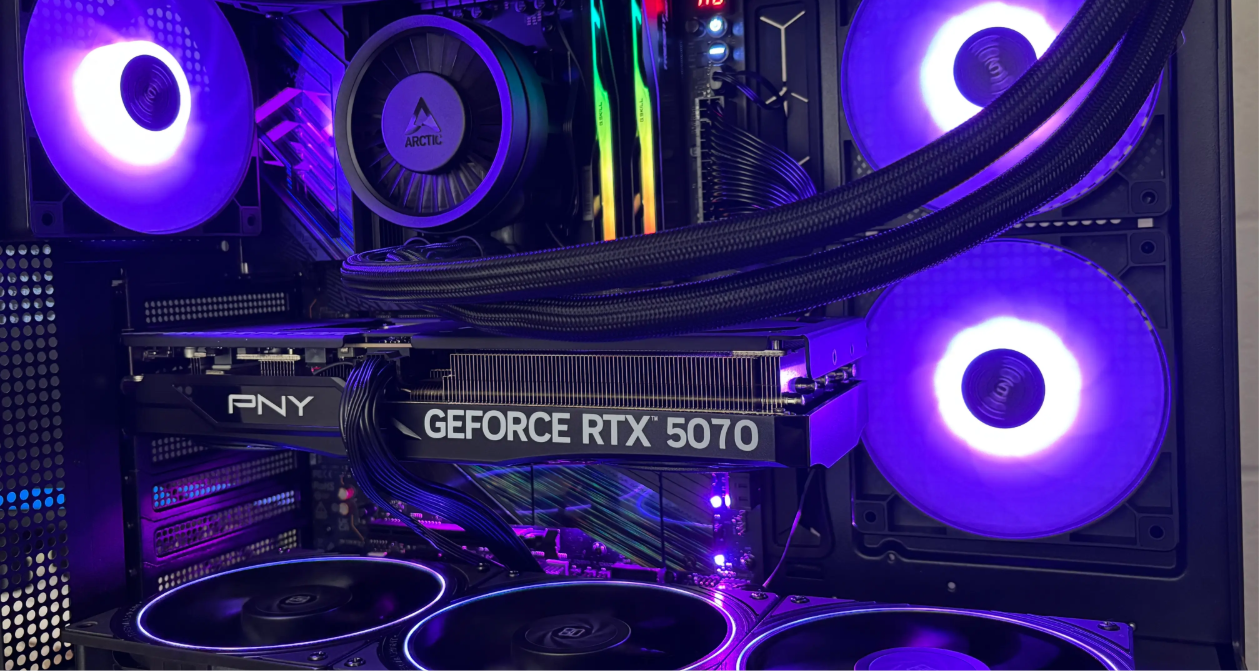
I built a PC for numerical computing, so I am leaving a record of the process here. The overall flow is as follows.
graph LR
    A[Choosing Parts] --> B[Purchase]
    B --> C[Assembly]
    C --> D[OS Installation]
    D --> E[Setup]
Choosing and Buying the Parts
I selected the parts using PCPartPicker and bought them from Amazon and Newegg. Amazon happened to have a promotion with 10% back on everything, so I think I got a decent deal. The prices below are after subtracting that cashback.
CPU
AMD Ryzen 9 9950X (16 cores / 32 threads)
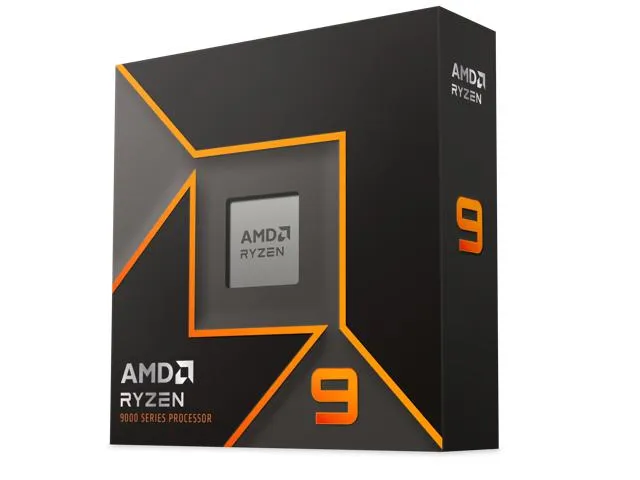
I prioritized multi-core performance for Julia and OpenMP workloads, so I chose a homogeneous-core design rather than the currently popular heterogeneous-core approach.
CPU Cooler
ARCTIC Liquid Freezer III Pro 360 77 CFM Liquid CPU Cooler $89.99
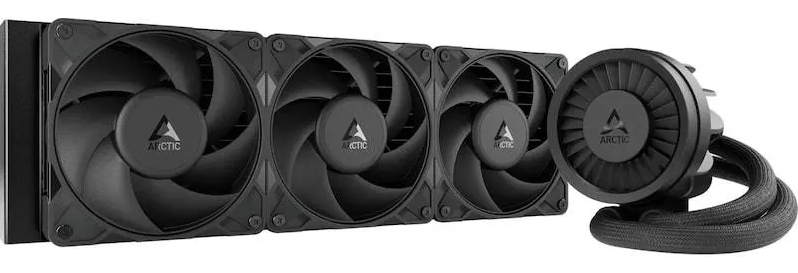
To cool a 16-core CPU, I chose a 360 mm AIO liquid cooler.
GPU
PNY OC GeForce RTX 5070 12 GB Video Card
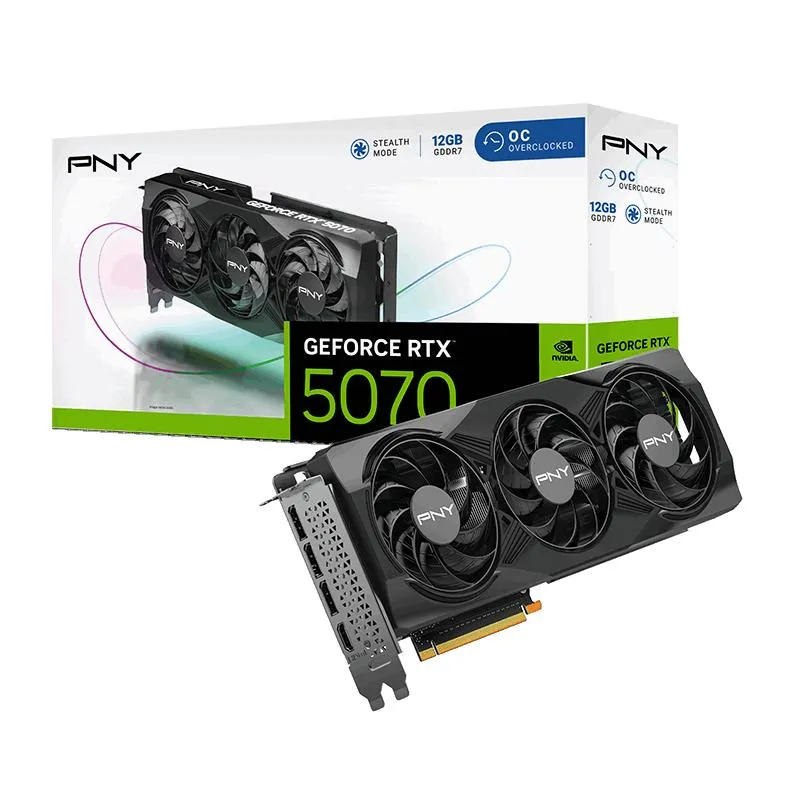
I do not use single-precision computation very much in my research, but I picked this mainly to test CUDA. I went with PNY because it was a bit cheaper than other vendors. The means and the end may be reversed here, but since I had the hardware anyway, I ended up buying a few games on Steam.
Motherboard
ASRock Phantom Gaming X870E Nova WiFi ATX AM5
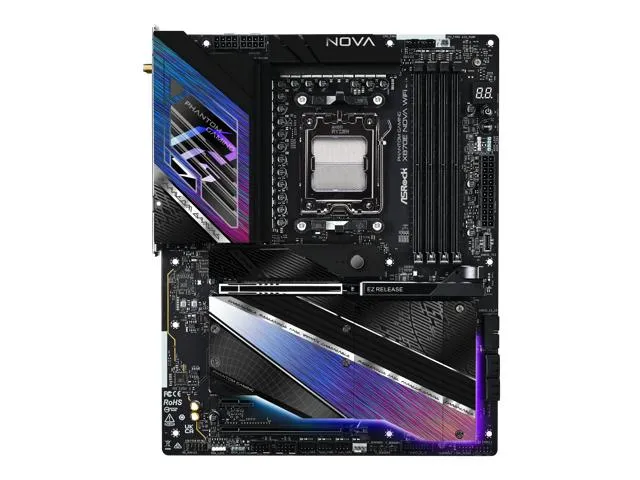
To match the CPU, I chose an X870E motherboard. Among X870E boards, this one was relatively affordable, and I saw several reviews saying it was one of the few that actually justified its price.
Memory
G.Skill Trident Z5 Neo RGB 64 GB (2 x 32 GB) DDR5-6000 CL30 Memory
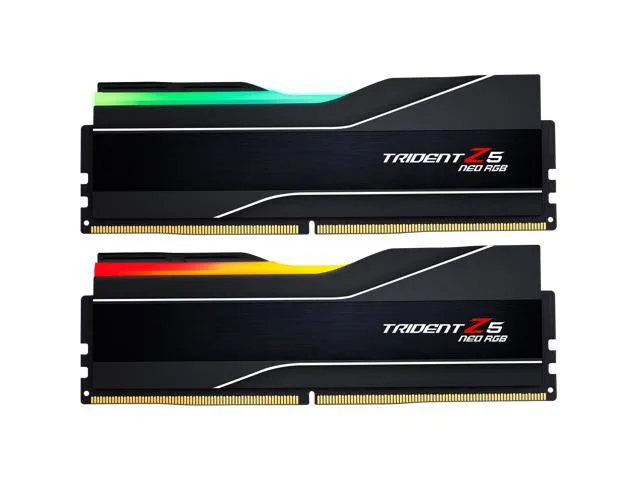
32 GB x 2. I wanted 64 GB so I could keep very long-time orbit data in memory. I chose one of the cheaper DDR5-6000 kits.
Storage
Acer Predator GM7000 2 TB M.2-2280 PCIe 4.0 X4 NVME Solid State Drive
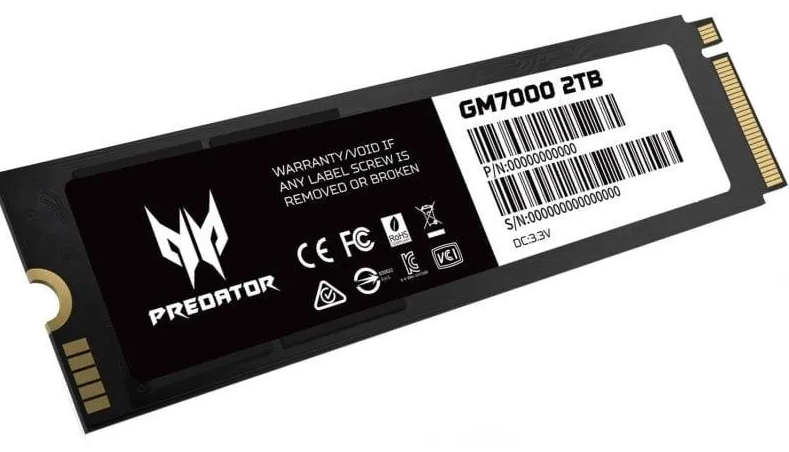
I chose this because it has 2 TB capacity, includes cache, and was cheaper than Samsung alternatives.
PC Case
Montech XR
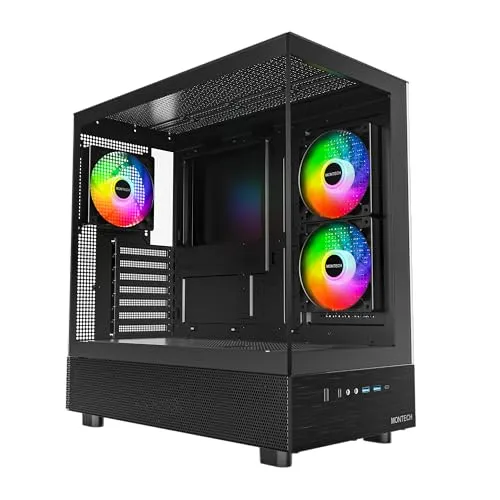
This case is often praised for good cost performance. In the U.S., though, prices are high enough that it did not feel that cost-effective.
Buying this case from Amazon was honestly one of the worst shopping experiences I have had. The package was lost, some accessories were missing, and I had to repeat the order three times before I finally got one. Even then, it still had issues, such as a missing dust filter.
Case Fans
Thermalright TL-S12R X3
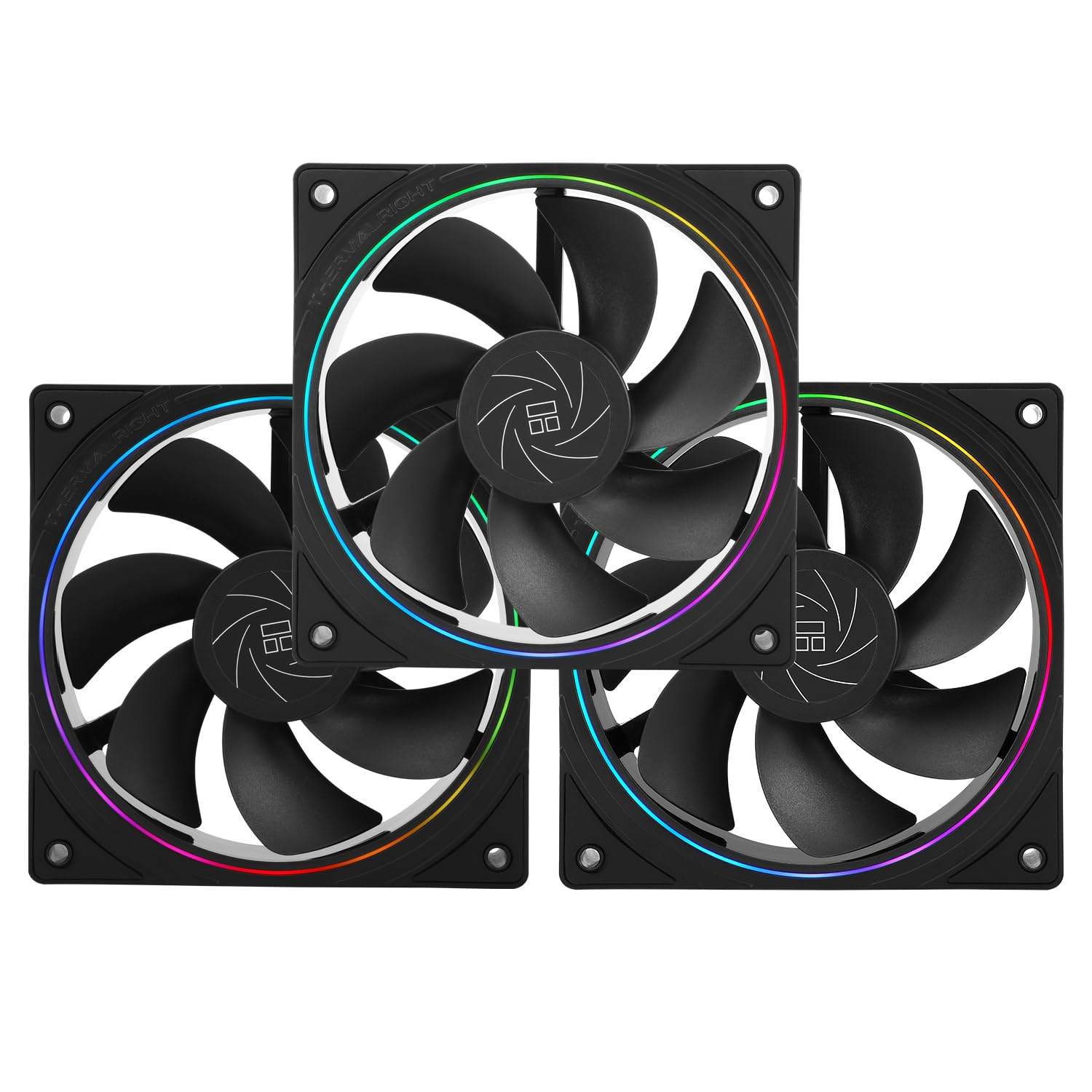
I added three of these to the bottom of the case. They are reverse-blade fans with a small amount of RGB lighting. I chose them mainly for the price.
Power Supply
MONTECH Century II 1050W
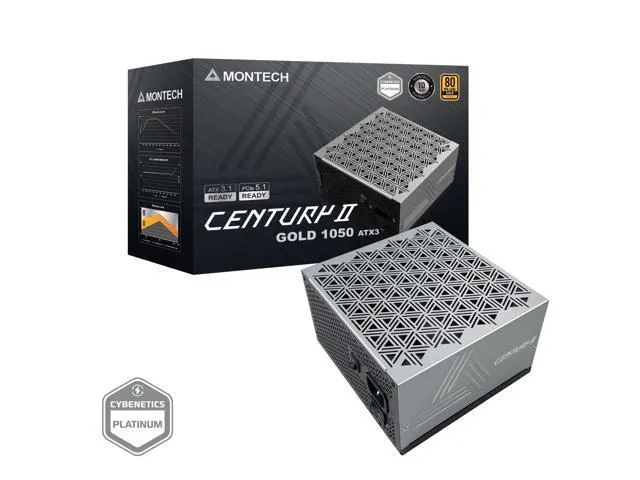
I gave myself some margin on power capacity. It is inexpensive but still 80 PLUS Gold certified.
Peripherals
Apple Magic Trackpad
KTC 24 Inch QHD monitor 2
Parts Summary
| Part | Model | Price (USD) |
|---|---|---|
| CPU | AMD Ryzen 9 9950X | 589.6 |
| CPU cooler | ARCTIC Liquid Freezer III Pro 360 | 89.99 |
| GPU | PNY OC GeForce RTX 5070 12 GB | 491.22 |
| Motherboard | ASRock Phantom Gaming X870E Nova WiFi ATX AM5 | 268.79 |
| Memory | G.Skill Trident Z5 Neo RGB 64 GB (2 x 32 GB) DDR5-6000 CL30 | 231.07 |
| Storage | Acer Predator GM7000 2 TB M.2-2280 PCIe 4.0 X4 NVME | 114.99 |
| PC case | Montech XR | 59.42 |
| Case fans | Thermalright TL-S12R X3 | 13.52 |
| Power supply | MONTECH Century II 1050W | 94.41 |
| Trackpad | Apple Magic Trackpad | 110.8 |
| Monitor | KTC 24 Inch QHD monitor 2 | 168.28 |
| PC total | 1953.1 | |
| Grand total | 2232.09 |
My budget was $2000, but including peripherals I went a little over. I do not need a GPU very much for the numerical computation I usually do, but for AI-related projects I slightly regret not choosing a 5070 Ti instead. On the other hand, consumer GPUs are not really enough for serious LLM training anyway, so perhaps it worked out fine in the end.