Steps
Used to Create 3-D Model:
1.)
Create 2 Individual Parts:
 |
Base with Dentine
|
|
Enamel
|
a.) Create Base Using Protrusion.
b.) Add Dentine by Revolve Function.
2.)
Assemble Dentine and Enamel
in Assembly Mode
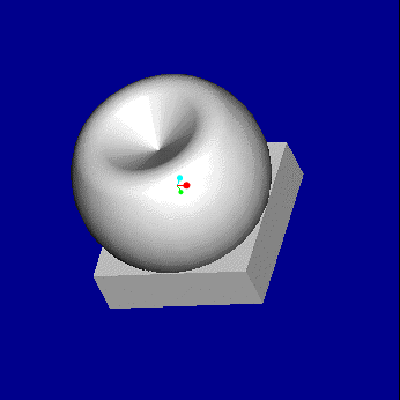
3-D
Model of Molar in Pro/Engineer
3.)
Assign Material Properties in Pro/E
4.)
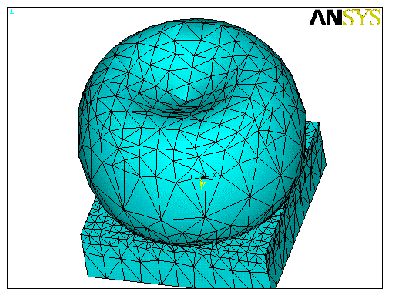
Create Meshes in Pro/E